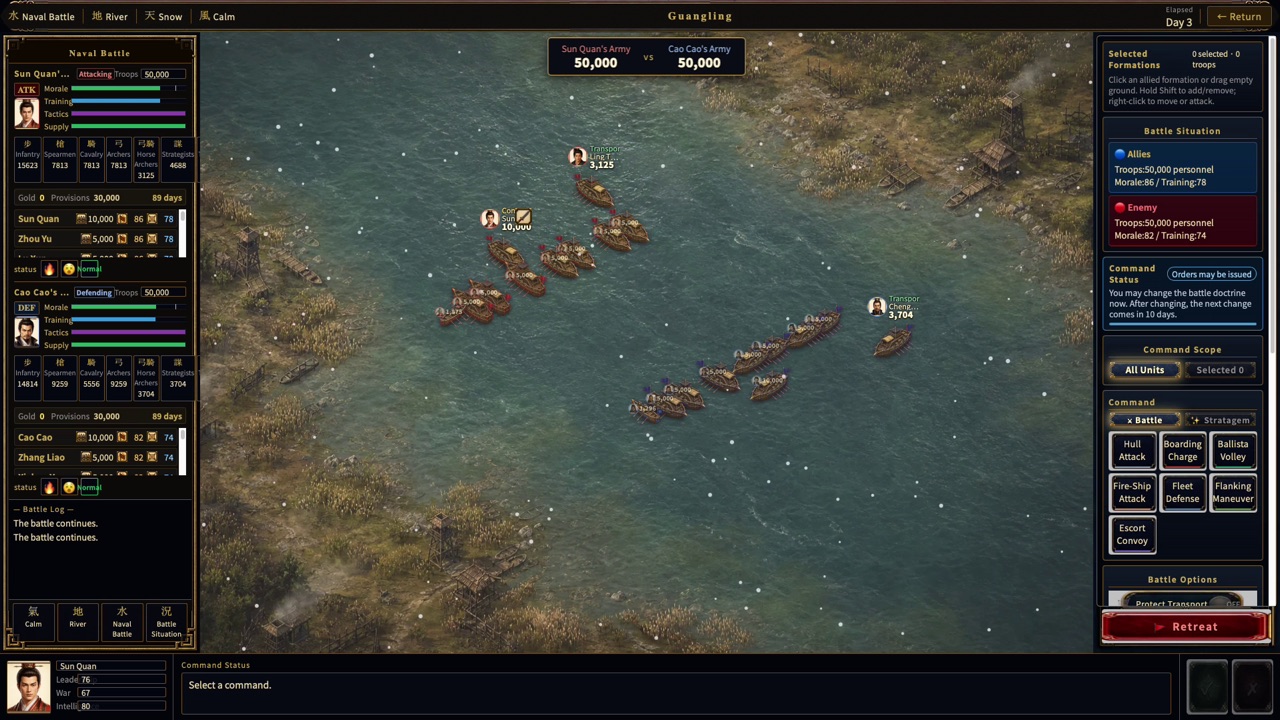
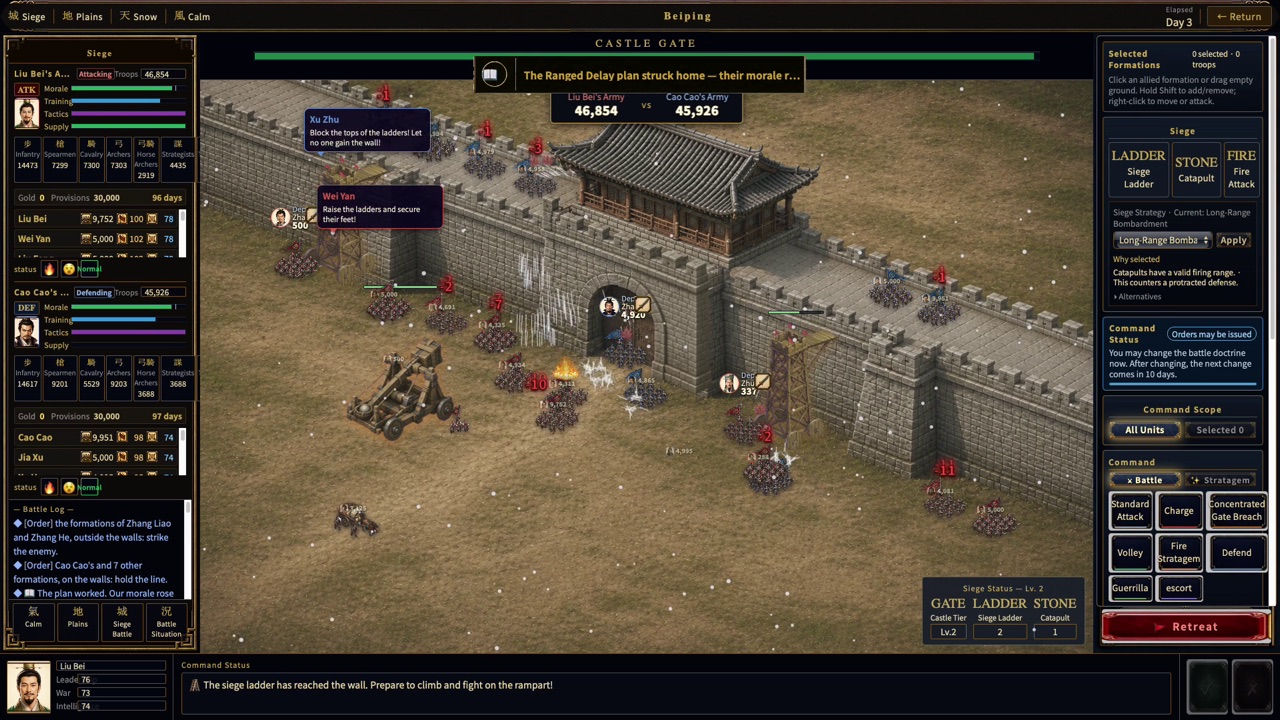
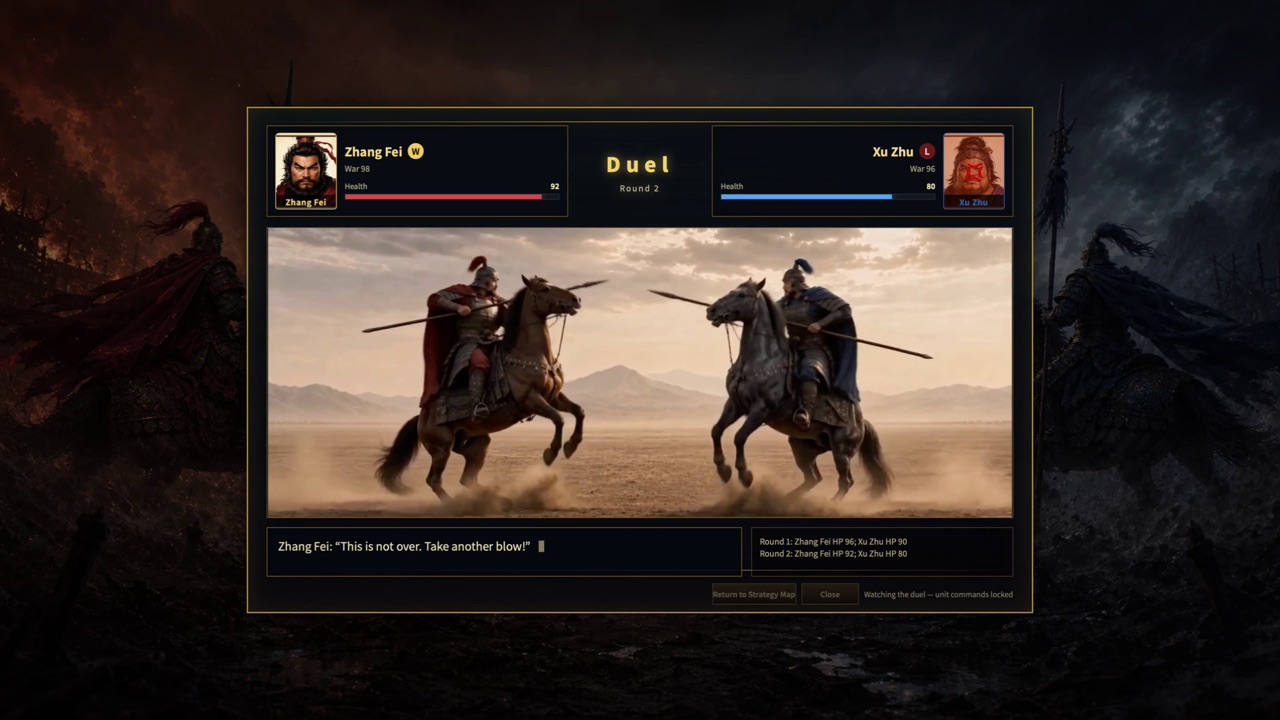
Battle continues through each tactical formation’s behavior. Instead of controlling every moment directly, you select the formations that need attention and issue an appropriate command.
Select the formations first
A command applies to the selected tactical formations. You can select more than one, but ownership and current state are checked separately for each formation.
The server validates every command
Basic commands such as move, attack, stop, hold, and delegate to automation are checked against the current battle and formation state. A command may be rejected if the battle has ended, you do not control the formation, or the request came from an outdated screen state.
One command sent to several formations can produce different results for each. Check the receipt shown on screen for formations where the command was not applied.
Battle continues without direct input
When you give no direct command, battle AI handles formation goals and movement. A valid player command takes priority over that formation’s automatic behavior until it is completed or cancelled.