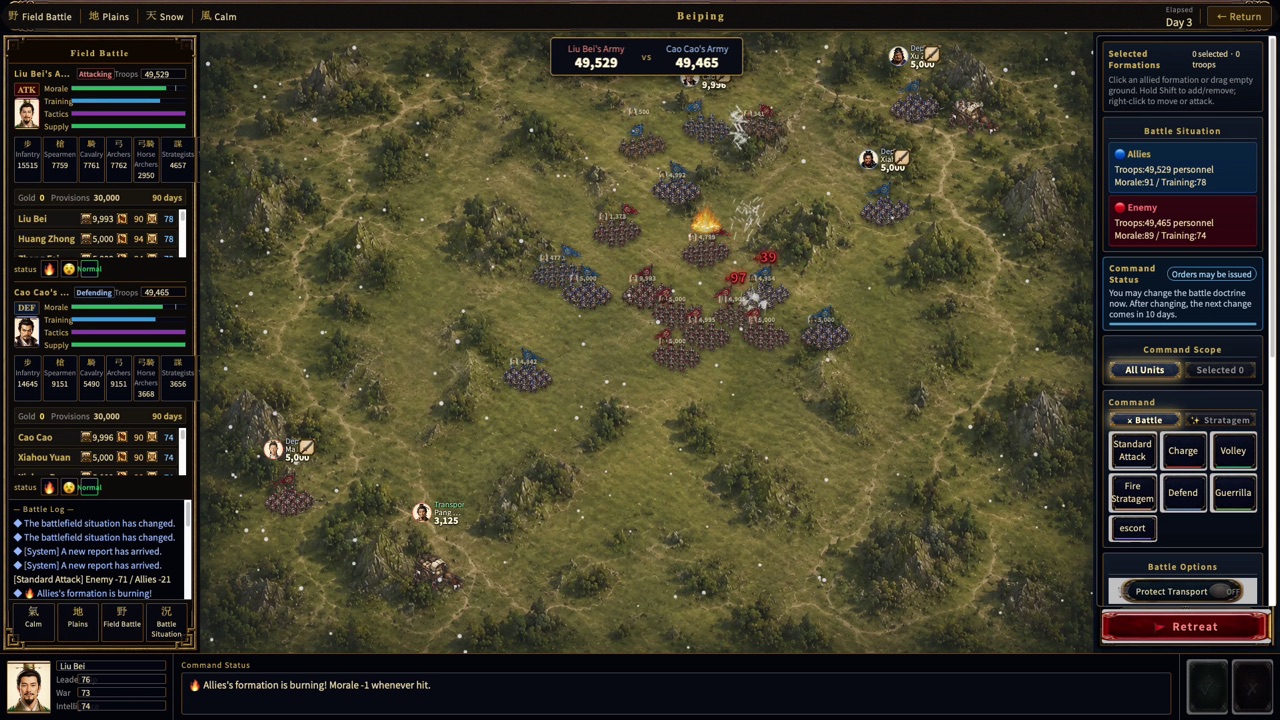
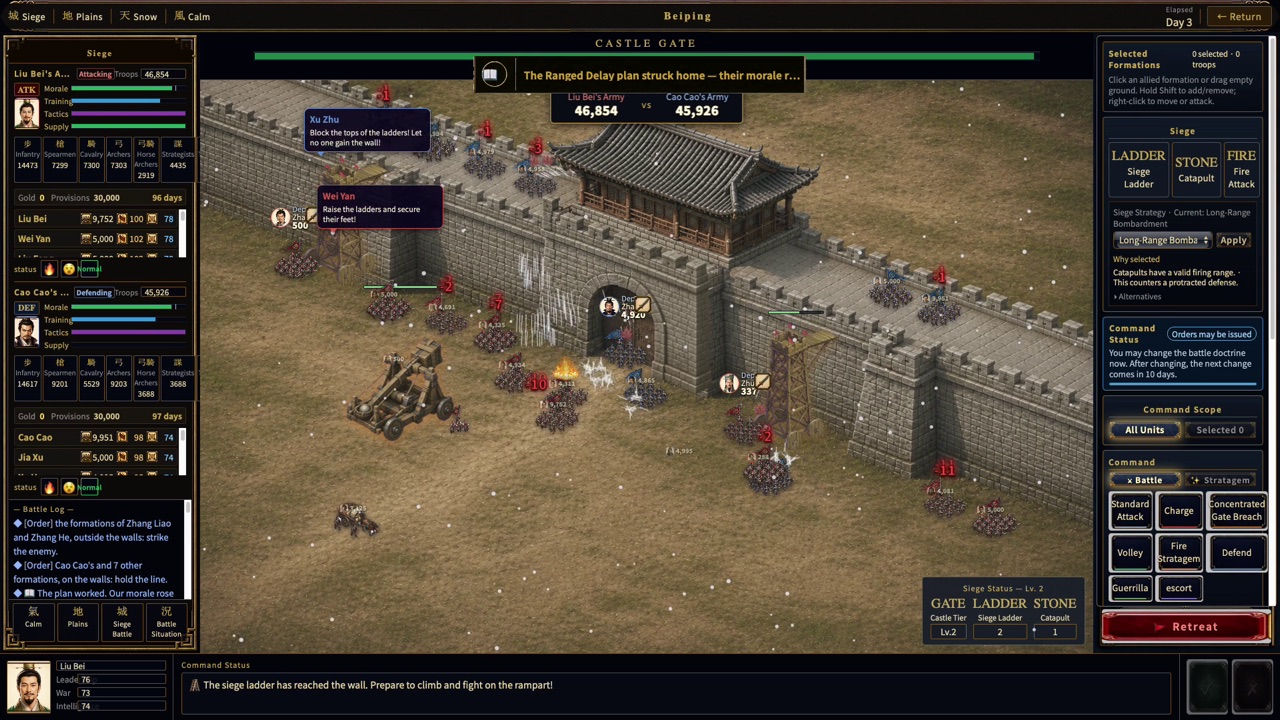
The strategy map and battle screens have separate roles. You move forces and handle administration and diplomacy on the strategy map. When a battle begins, the participating forces move into a dedicated battlefield.
Check a clash on the strategy map
Forces currently engaged are marked as being in battle. Selecting the marker opens a summary of the forces, officers, and current situation on both sides.
Enter the battlefield when needed
From the battle summary, you can move to the battlefield for a field battle, siege, or naval battle. The automated battle continues even if you do not enter its screen.
The result returns to the strategy layer
When the battle ends, you review its summary and return to the full strategy map. Changes to troops, officers, resources, and territory are applied to the strategy layer.