The game is a real-time strategy simulation, not a turn-based game. You normally manage your realm from the full strategy map, moving to another screen or opening a separate panel when the situation calls for it.
The strategy map is your main screen
The full strategy map is the screen you use most of the time. It lets you read the wider situation and continue making the major decisions of state.
Each situation has its own screen
- A battle opens its dedicated battle screen.
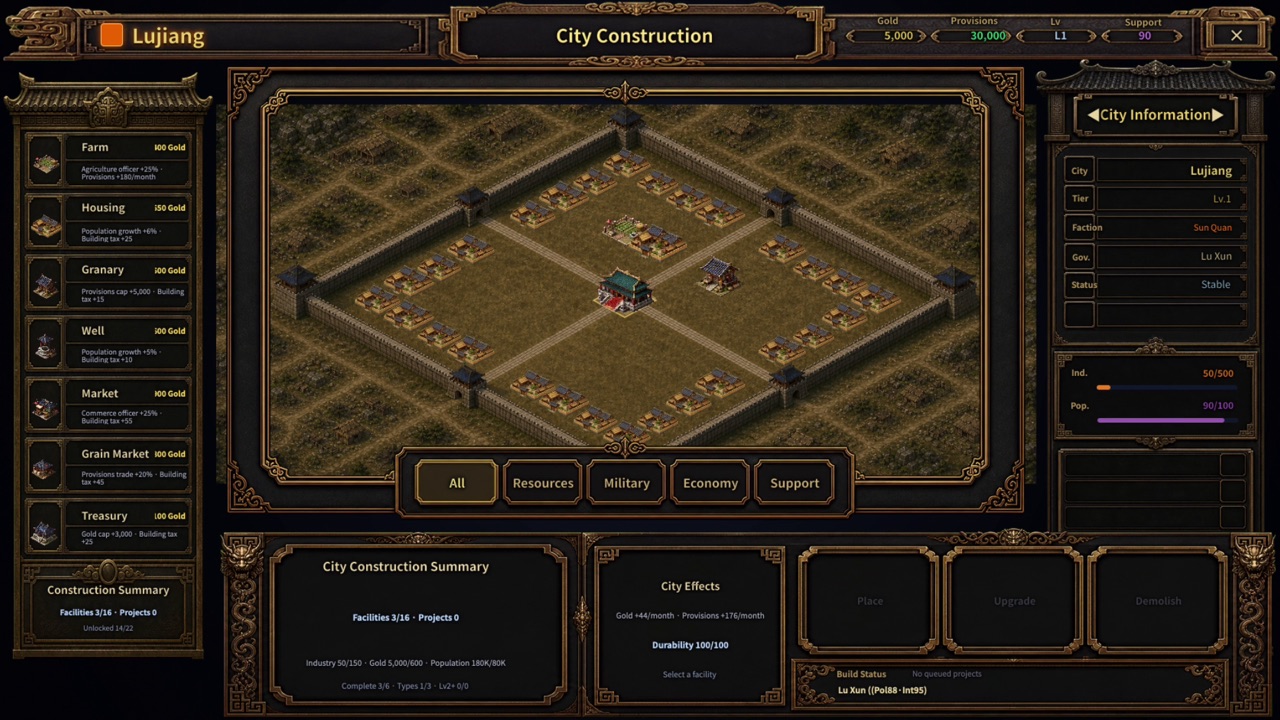
- City affairs are handled on the administration and city screens.
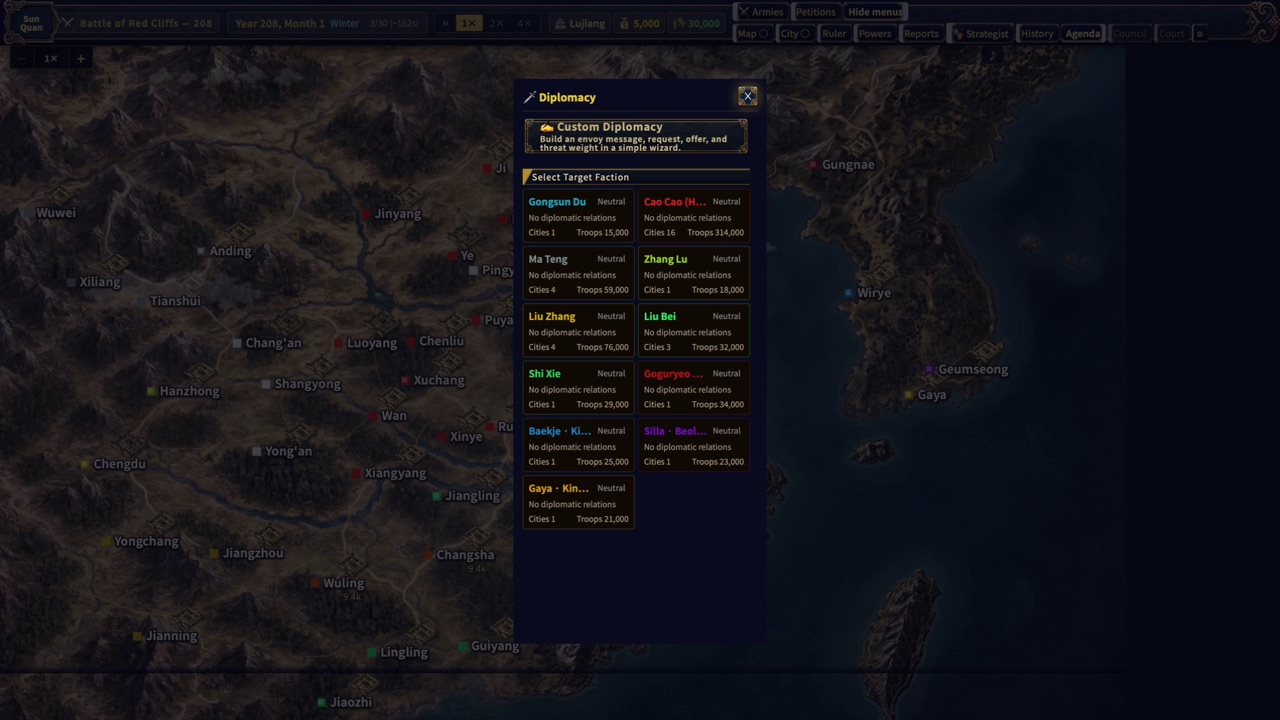
- Diplomacy opens in a separate panel.
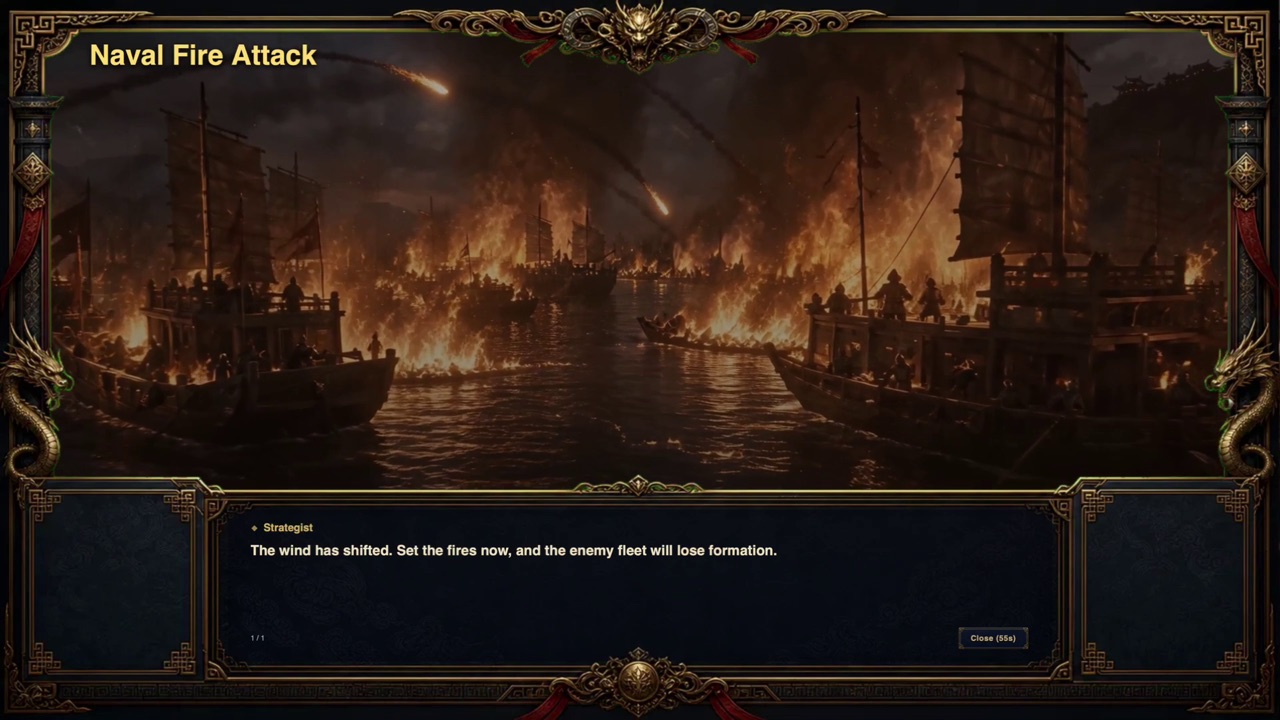
- Major incidents appear on an event screen.
Focus on major decisions
Non-combat areas such as administration and personnel use automated processing as a base, while you intervene in important decisions. Battles also proceed through officer behavior, with limited unit-level commands available when needed.